No products in the cart.
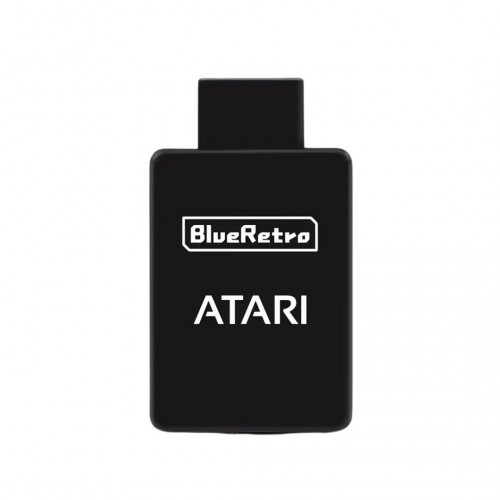
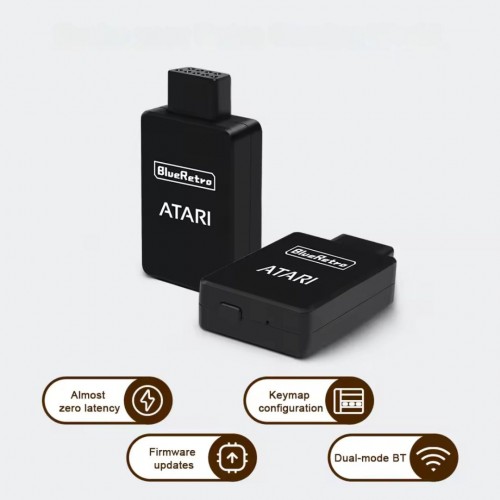
Key Features:
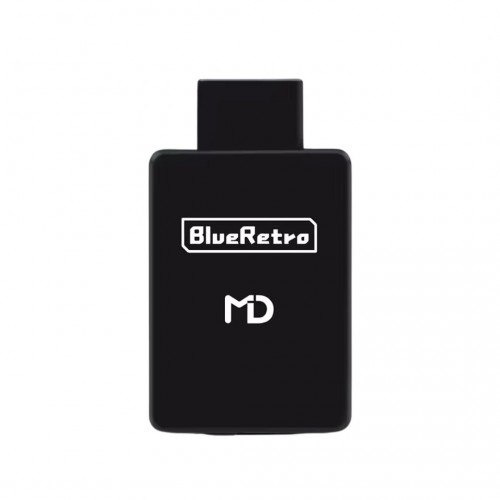
- Seamless Bluetooth Compatibility – Works with a variety of Bluetooth controllers, including PlayStation, Xbox, Switch Pro, and 8BitDo.
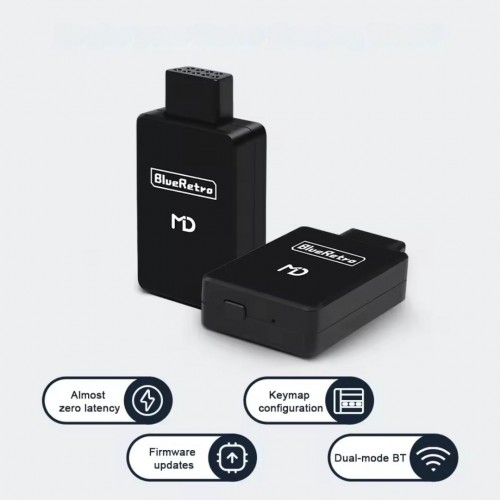
- Lag-Free Performance – Enjoy near-zero input lag with low-latency Bluetooth technology for smooth and responsive gameplay.
- Easy Plug-and-Play Setup – Simply connect the receiver to your Atari 2600’s controller port and pair your Bluetooth gamepad.
- Customizable Button Mapping – Tailor your controls via BlueRetro’s web-based configuration tool for an optimized experience.
- Multi-Controller Support – Supports up to four players (when used with compatible adapters for other Atari-era consoles).
- Firmware Upgradable – Stay up to date with the latest enhancements via simple OTA firmware updates.
- Compact & Discreet Design – Designed to blend seamlessly with your Atari 2600 without additional bulk.
Instructions For Use:
Pairing Process:
- Insert the receiver into your Atari console
- Once the LED begins to blink, it signifies that the pairing mode has been activated.
- Now, pair the controller of your preference.
- Once the controller is successfully paired, it will automatically pair with each use until the BT keys have been cleared.
Button Functions:
- A brief press (when not in BT inquiry mode): This will disconnect all Bluetooth devices from the adapter.
- A brief press (in BT inquiry mode): This will terminate the Bluetooth pairing mode.
- Holding down for 3 seconds: This will enable the Bluetooth pairing mode for a new pairing.
- Holding down for 10 seconds: This will perform a factory reset on the adapter, restoring it to default settings, and will erase BT pairing keys.
LED Indicator:
- Red Led Constant: Bluetooth Failure
- Red Led Flashing: Pairing Mode Enabled
- Blue Led Constant: Controller Successfully Paired
Please note: that this product does not support hot plugging, so it is important to insert it into the controller port before turning on the console.
Web Config Details:
Web Config is only usable if no controller is linked and is compatible with Desktop or Android Chrome only.
Accessing the Web Config:
Turn on your system and establish a connection via Web Bluetooth at the BlueRetro Config site to set up your adapter. Instructions for button remapping and preset can be found there.
Be the first to review “BlueRetro Atari 2600 Wireless Bluetooth Controller Receiver”
Related products
Sale!


Original price was: $54.00.$13.50Current price is: $13.50.
Sale!
Original price was: $35.00.$9.00Current price is: $9.00.
Sale!

Retrolize
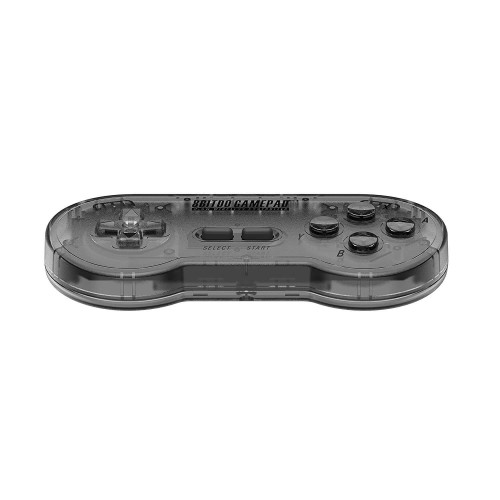
8bitdo SN30 Wireless Controller for Super Nintendo and Super Famicom – Clear Black Edition
Original price was: $54.00.$13.50Current price is: $13.50.
Sale!


Original price was: $39.00.$10.00Current price is: $10.00.
Sale!
Original price was: $39.00.$10.00Current price is: $10.00.
Sale!


Original price was: $39.00.$10.00Current price is: $10.00.
Reviews
There are no reviews yet.