No products in the cart.
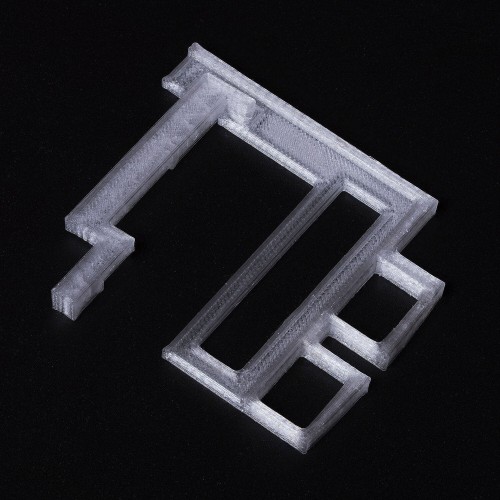

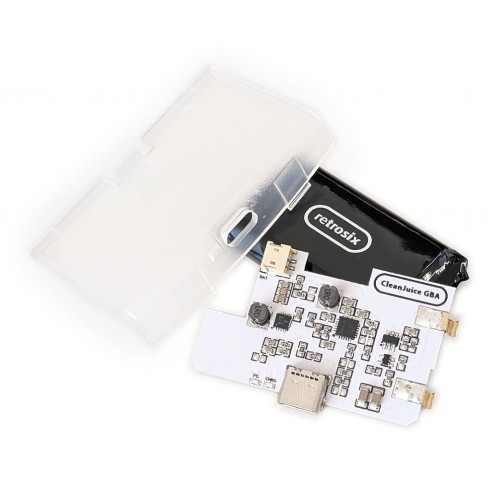

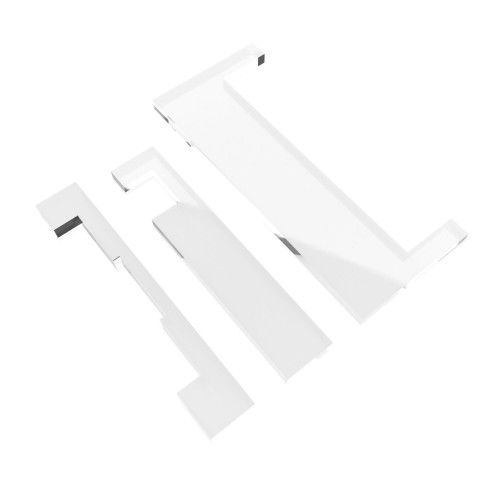
If you have a Game Boy Advance CleanScreen IPS, are using a RetroSix GBA shell and need to get it perfectly centered and aligned, as well as held into position, then this is the perfect molded bracket for the job.
5 Items are required to complete this mod. We are discontinuing this kit. The PCB is no longer available and other items will be delisted when they are sold out.
FEATURES:
- Clear in color, so ideal for even clear mods.
- Using the RetroSix GBA shell there is no cutting necessary, just drop the screen into the shell and place the bracket into place.
- If you have a regular shell, the GBA CleanScreen IPS drops into original Nintendo shells perfectly without cutting or brackets, this bracket is only needed for our own GBA shells.
INCLUDED:
- 1x Bracket
YOU WILL ALSO NEED:
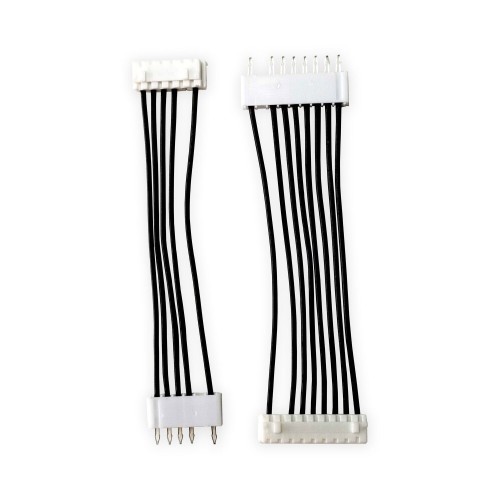
- Game Boy Advance CleanScreen Button Ribbon
- Game Boy Advance CleanScreen IPS LCD
- Game Boy Advance CleanScreen Ribbon
DOCUMENTATION:
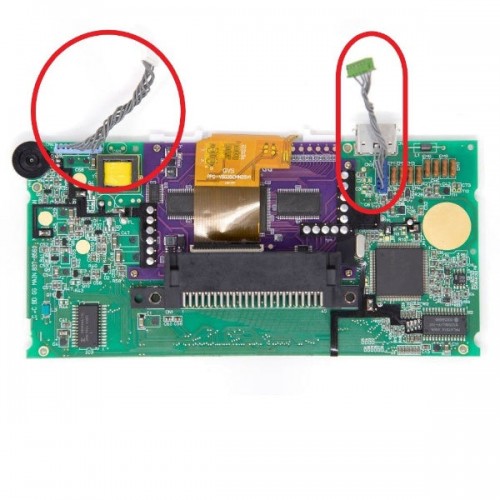
- To install the Game Boy Advance CleanScreen just remove the old screen and connect the CleanScreen. Optionally solder a handful of pads onto the board with no wires (if you use the optional wire-free kit) to enable the on screen menu. Install can be done in a matter of minutes.
- The CleanScreen can be installed without trimming anything, but to achieve a perfect seal with the frame, the plastic dimples should be trimmed and sanded down. This is fully optional, as the difference is extremely small to begin with, and is only recommended if you want to have it perfectly flush against the frame or use a dust-guard kit to ensure no dust can ever come between the screen and the lens.
-
Install guide available at https://retrosix.wiki/ and https://youtube.com/retrosix
NOTES:
- Use OEM or original size lens for this mod.
- Created by RetroSix.
Be the first to review “Game Boy Advance CleanScreen Bracket – RetroSix”
Related products
Sale!
Game Boy Advance GBA SP Audio
Original price was: $19.99.$5.00Current price is: $5.00.
Sale!

Original price was: $19.99.$5.00Current price is: $5.00.
Sale!

Original price was: $69.99.$17.50Current price is: $17.50.
Sale!
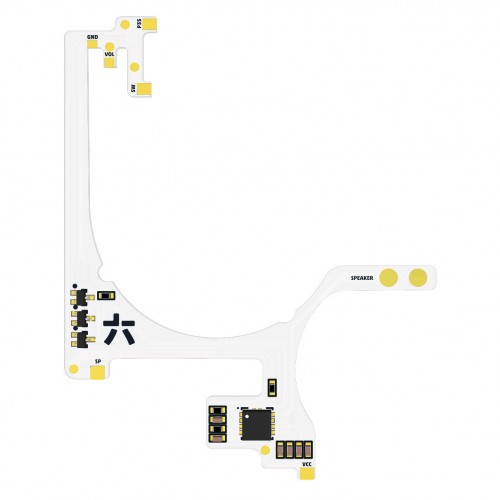
Game Boy Advance GBA SP Audio
Original price was: $19.99.$5.00Current price is: $5.00.
Sale!
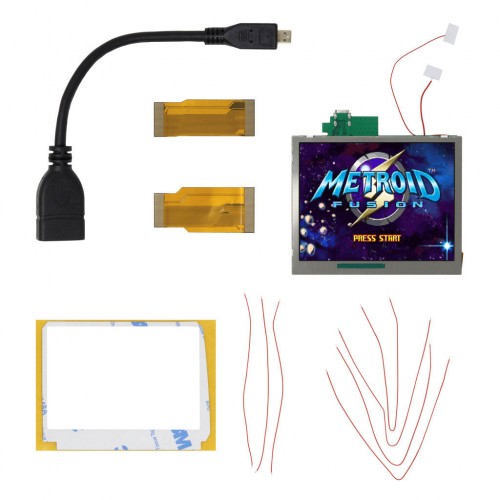
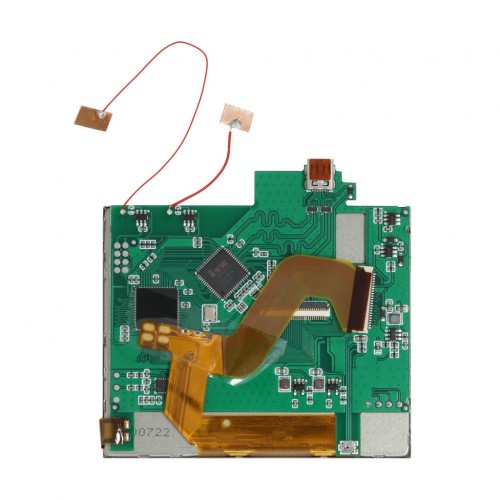
Game Boy Advance | GBA
Original price was: $75.99.$19.00Current price is: $19.00.
Sale!
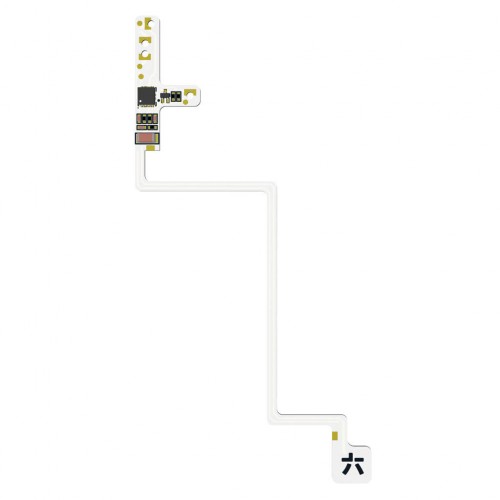
Game Boy Color GBC Audio
Original price was: $19.99.$5.00Current price is: $5.00.
Sale!
Game Boy Color GBC Displays
Original price was: $2.49.$0.50Current price is: $0.50.
Sale!
Original price was: $7.99.$2.00Current price is: $2.00.
Reviews
There are no reviews yet.