No products in the cart.

FEATURES:
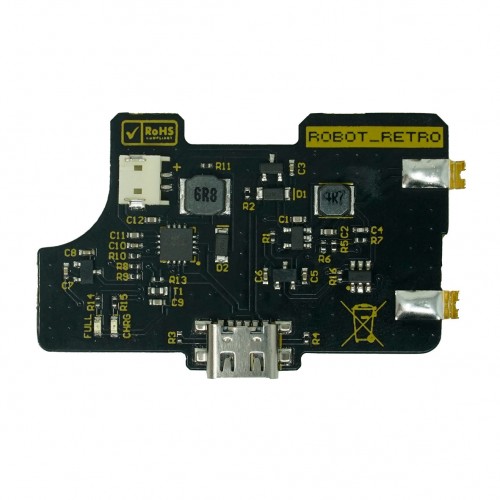
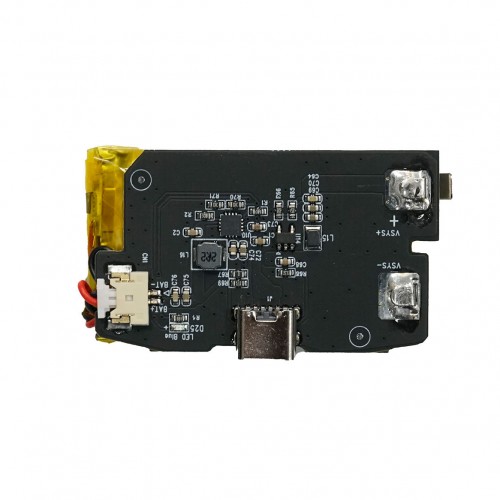
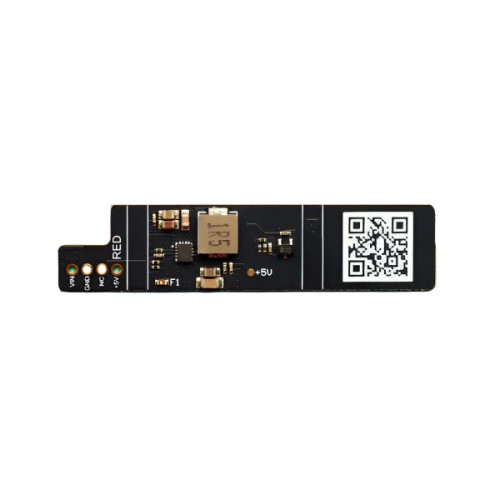
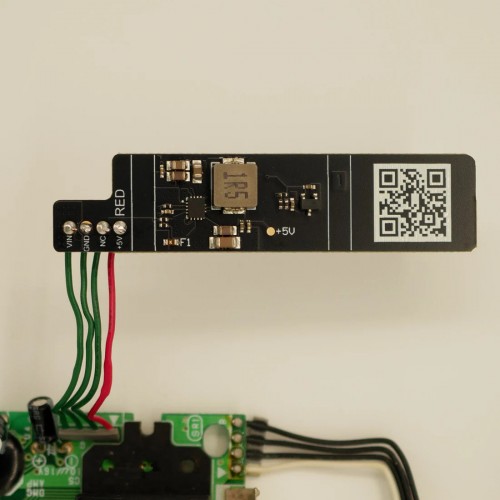
- Adds USB-C charging feature to GBA.
- No soldering required.
- Charge and play functionality. (Please see notes for important information)
- Low power indicator. The GBA light will turn red when there is 10-15min of play time remaining.
- Battery protection to prevent voltage dropping below 3.3v.
- Supports USB C to C, and USB C to A.
- Low heat generation.
- Compatible with all common IPS shells on the market. OEM shells will need to be trimmed to accommodate the battery.
- A fully modded console with an IPS screen, amplifier, and flash cart will yield around 6-8 hours battery life.
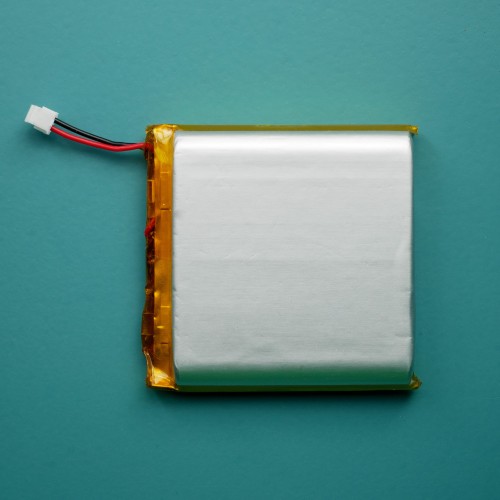
- Comes with a 1500mAh battery.
- Fully charges from dead in about 4 hours. This module was intentionally made to charge slower than others to reduce heat and keep it at a minimum.
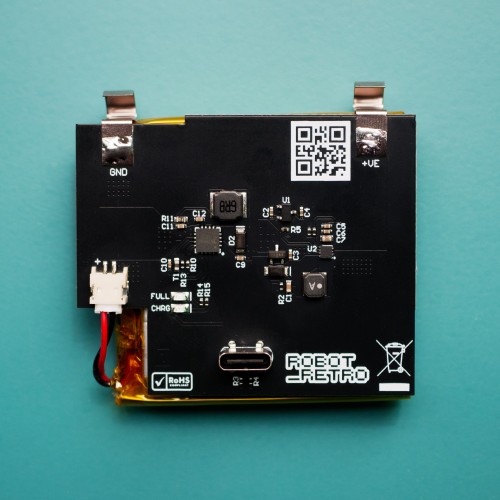
- The yellow LED (CHRG) lights up when charging. The green LED (FULL) lights up when charging is complete.
- Uses a negative polarity 10x30x48mm battery with a JST-ZH connector.
- USB-C battery covers and charging cables sold separately.
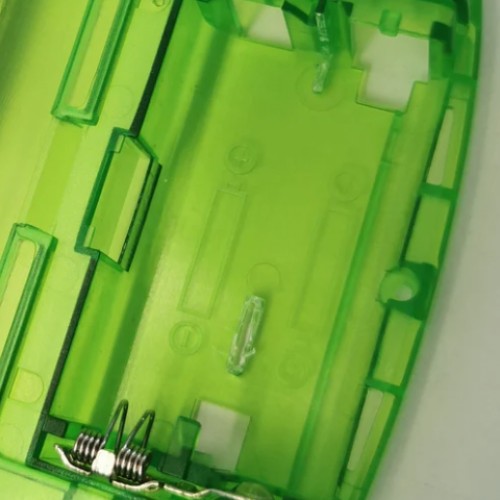
- For original style and original shells, battery housing modification is required – see product photos. USB-C battery cover hole will need to be cut out.
- For IPS ready shells, battery housing modification is not required. USB-C Battery cover hole will need to be cut out.
- V2 boards are now compatible with all USB-C battery covers.
INCLUDED:
- 1x USB-C Module PCB
- 1x Battery
PAIRS WELL WITH:
- Game Boy Advance USB-C Battery Cover – RetroSix
- Game Boy Advance USB-C Battery Cover – Hispeedido
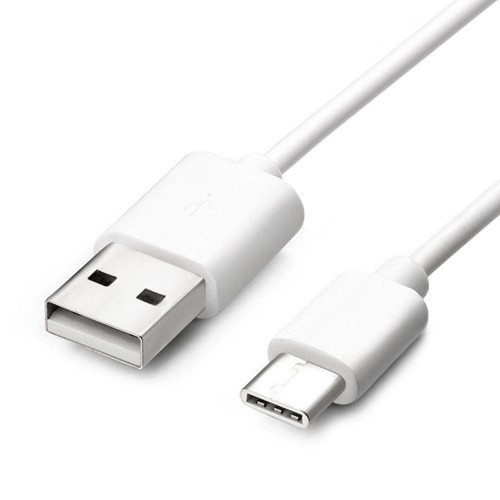
- USB-C Charging USB Cable
DOCUMENTATION:
- Drill guide for regular battery covers: Clean_Juice_USB_C_Guide_1.stl
- Install: Remove the GBA left hand side shell battery spring/contact and place the battery in the battery housing. Place the battery in left side first then push down the right side so the springs are in contact with the GBA battery springs.
NOTES:
- The robot_retro GBA battery module has charge and play functionality. Please note, if the USBC cable is removed from the GBA before the battery is sufficiently charged, the console will power cycle. Therefore, please either ensure the battery is fully charged or save your game before unplugging.
- CHRG LED = charging. FULL LED = charging complete.
- Created by Robot_Retro
WARNINGS:
Risk of fire if improperly charged or if battery is punctured. Only use protected power sources along with power delivery (PD) compliant cables and chargers. Using uncertified hardware may result in more than 5v being delivered to your product. Damage caused by unsupported hardware voids our return/exchange policy. Examples of supported chargers:
- Nintendo Switch charger
- MacBook Pro type C charger
- Samsung type C charger
- Google Pixel charger
- USB A to USB C cable (certified only!)
Be the first to review “Game Boy Advance USB-C Charging Battery Module V2 – Robot_Retro”
Related products
Sale!
Original price was: $36.49.$9.00Current price is: $9.00.
Sale!
Game Boy Pocket MGB Power
Original price was: $13.99.$3.50Current price is: $3.50.
Sale!
Game Boy | DMG | Original
Original price was: $34.99.$8.50Current price is: $8.50.
Sale!
Game Boy Advance GBA Power
Rechargeable 1800mAh Battery Type-C for Game Boy Advance – HISPEEDIDO
Original price was: $37.99.$9.50Current price is: $9.50.
Sale!
Game Boy Advance GBA Power
Original price was: $4.99.$1.00Current price is: $1.00.
Sale!

Game Boy Advance GBA Accessories
Original price was: $24.99.$6.00Current price is: $6.00.
Sale!
Game Boy Advance GBA Power
Original price was: $3.99.$1.00Current price is: $1.00.
Sale!
Game Boy | DMG | Original
Original price was: $22.99.$5.50Current price is: $5.50.
Reviews
There are no reviews yet.