No products in the cart.

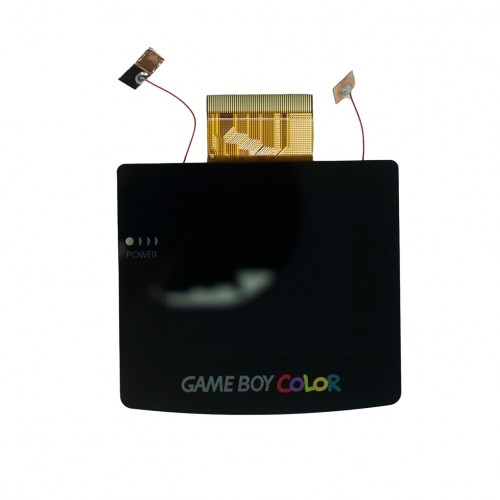
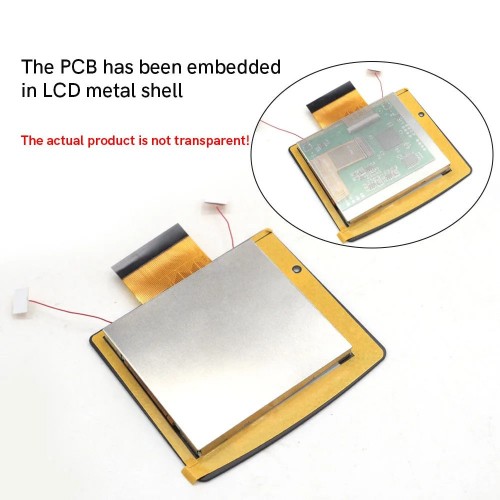
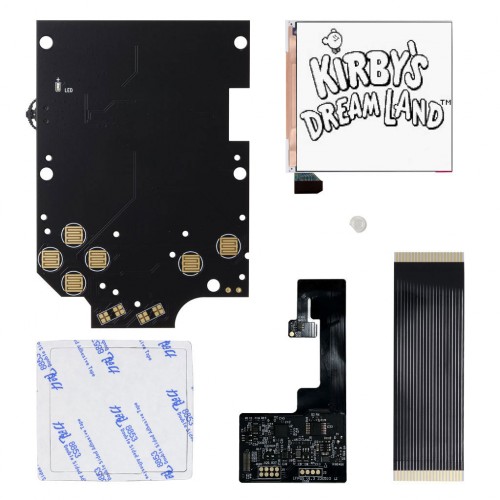
Experience the ultimate in retro gaming with the FPGBC Kit from FunnyPlaying. FPGA technology simulates real hardware, providing an authentic vintage gaming experience. Enjoy improved sound quality and USB-C compatibility for easy firmware updates. Includes support for hardware cartridges. Elevate your gaming experience today.
INCLUDED:
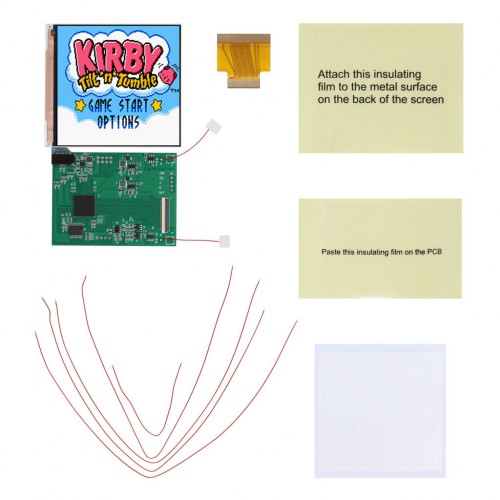
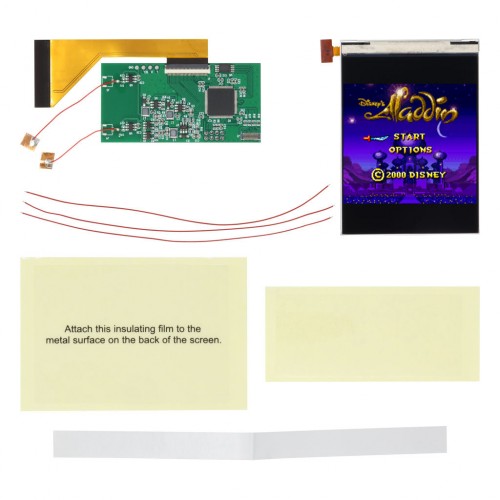
- 1 x FPGBC PCB
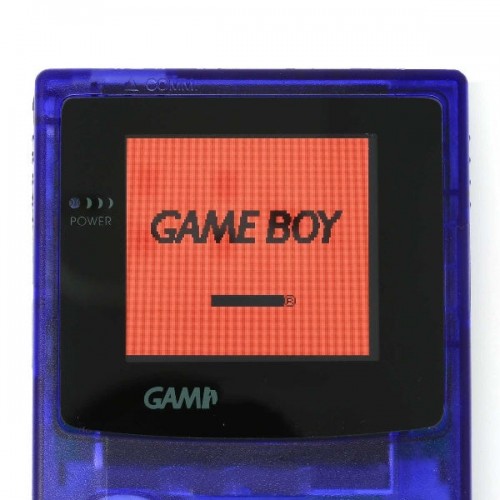
- 1 x Laminated IPS Screen
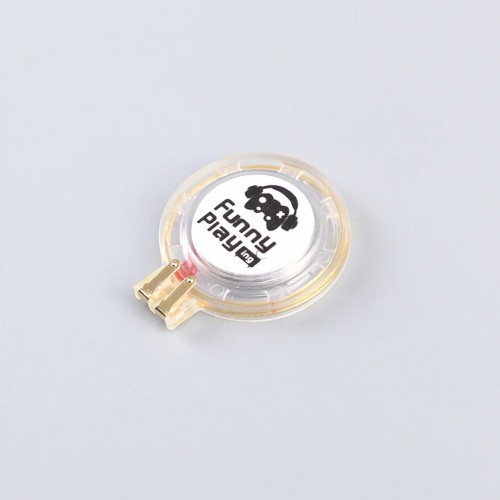
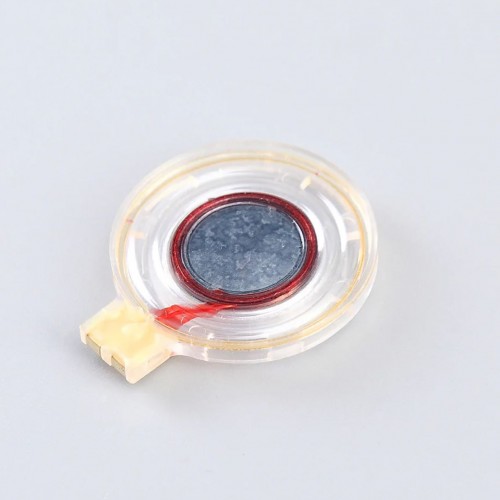
- 1 x 2w Speaker
- 1 x 1800mAh Battery
PAIRS WELL WITH:
- USB-C Ready Laminated Shell for Game Boy Color – FunnyPlaying
- Funnyplaying Silicone Button Pads for Game Boy Color
-
Game Boy Color Buttons | Funnyplaying
FUNCTIONS:
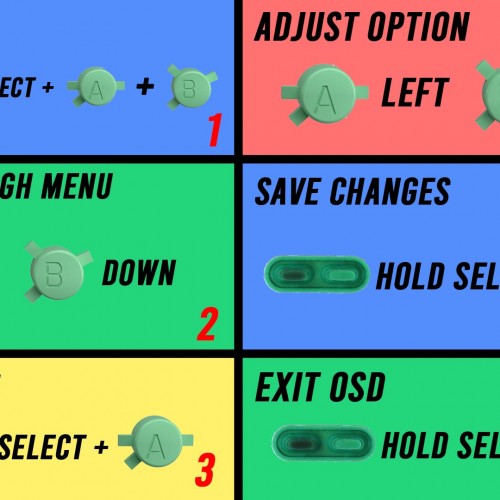
- OSD menu is accessed through pressing in the volume wheel. When you are in the OSD menu, you can select a feature by using up or down on the D-pad. Then use A or B to toggle through the selected features options. Press in volume wheel again to exit menu.
- BKLT = Brightness options (10 settings)
- VOL = Volume adjustment
- DISP = Display modes (X4 = 4x Integer scale, X4P = 4x Integer scale with pixel mode, and FUL= Full Screen (non-integer scale).
- CORE = Switch between GB (DMG) and GBC core.
- PALT = Color options for GB mode (12 settings)
- FRAME MIX = Frame Blending Mode
- GBC DISP = Corrects color issues with GB (DMG) games on GBC core.
- CLKSPD = Game speed options (7 settings from slow to fast)
DOCUMENTATION:
- V1.10 Firmware Update
- Firmware Update/General Firmware Info
- How to test your LCD kit
NOTES:
- This item is just the internals, it does not come with a shell, membranes or buttons.
- This kit is meant to be paired only with USB-C Ready Laminated Shell for Game Boy Color – FunnyPlaying
- Lens is made of glass.
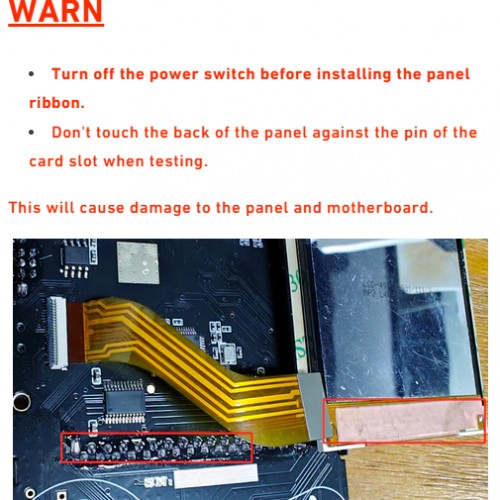
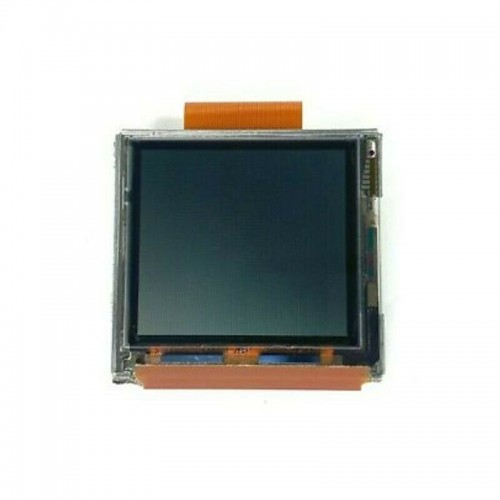
- Turn off the power switch before installing the LCD panel ribbon.
- Make sure to press the battery connector down into the port on the motherboard.
- Unable to use AA battery power supply. Only supports lithium battery.
- May not support certain flash cartridges.
- Clock adjustment due to panel limitation – maximum 1.25 speed.
WARNINGS:
- Don’t touch the back of the LCD panel against the pin of the cartridge slot when testing. Cover with Kapton tape (see product photos).
- Test before installation! When you receive a backlight/LCD kit, you should perform a dry run before installing to assure that nothing has been damaged in transit. A dry run or test fit means the kit is not installed in the shell. This includes the use of adhesives, brackets, and any performed soldering. All ribbon cables should have no bends or creases in them. If you are unsure how to perform a dry run, please contact our support team and we will be happy to help. Backlight kits that have been installed are not eligible for replacement or return.
- LCD may break if put under too much pressure or dropped. Please exercise extreme caution when installing.
Be the first to review “Game Boy Color FPGBC Kit – FunnyPlaying”
Related products
Sale!
Game Boy Color GBC Displays
Game Boy Color Q5 IPS LCD Backlight Kit with OSD – Hispeedido
Original price was: $59.99.$15.00Current price is: $15.00.
Sale!
Game Boy Color GBC Displays
Game Boy Color 2.45″ IPS LCD Backlight Kit with Laminated Lens and OSD – Hispeedido
Original price was: $61.99.$15.50Current price is: $15.50.
Sale!
Game Boy Color GBC Displays
Original price was: $63.99.$16.00Current price is: $16.00.
Sale!
Original price was: $64.99.$16.00Current price is: $16.00.
Sale!
FUNNYPLAYING
Original price was: $4.99.$1.00Current price is: $1.00.
Sale!
Game Boy Color GBC Displays
Original price was: $1.99.$0.50Current price is: $0.50.
Sale!
Game Boy Color GBC Displays
Original price was: $2.49.$0.50Current price is: $0.50.
Sale!
Game Boy Color GBC Displays
Game Boy Color 2.45″ Drop-in IPS LCD Backlight Kit with OSD – Hispeedido
Original price was: $59.99.$15.00Current price is: $15.00.
Reviews
There are no reviews yet.