No products in the cart.
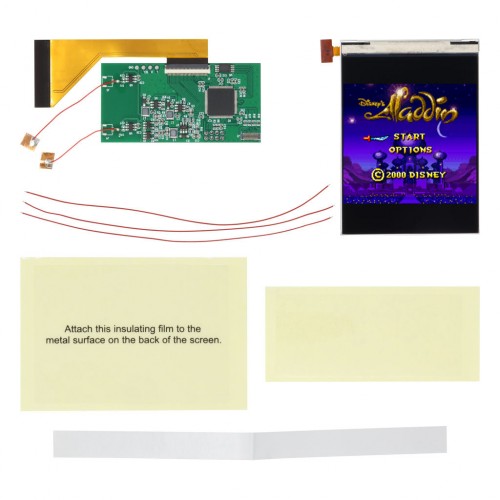
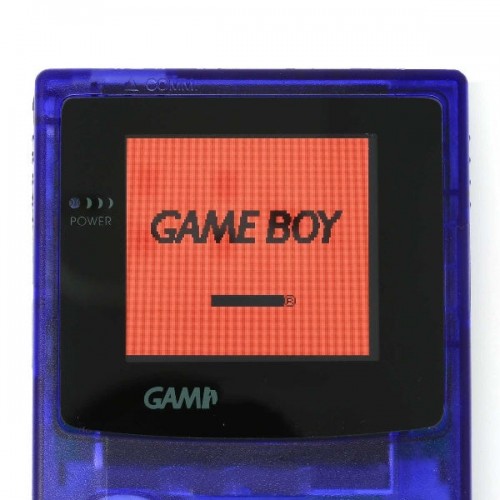
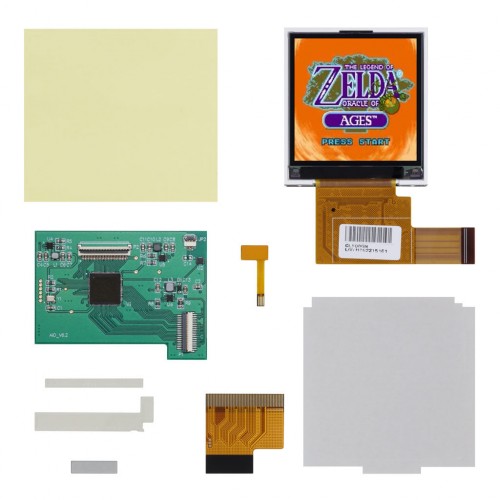
Yet another IPS LCD for the Game Boy Color with improved function. Backlight and illuminate your beloved childhood GBC with a modern IPS LCD with improved color, contrast and viewing angle.
There is no soldering required to install this LCD kit. You can adjust the brightness and color pallets via the pre-soldered touch pads. The only soldering that is required is if you’d like to use buttons to change the brightness or color pallets. See button functionality instructions below.
FEATURES:
- Same display area as the original.
- 8 “color palette” options VIA touch sensor already soldered to PCB.
- 10 brightness levels VIA touch sensor already soldered to PCB.
INCLUDED:
- 1x IPS LCD
- 1x PCB with two pre-soldered touch sensor wires
- 1x Ribbon
- 2x Insulation films
- 3x Wires
- 1x Adhesive mounting strip
PAIRS WELL WITH:
- Game Boy Color Glass Tempered Lens
- Game Boy Color IPS LCD Bracket
- Game Boy CleanAmp v1.1 Audio Amplifier
DOCUMENTATION:
- Install Guide
- Install Video – NOTE: Please refer to install guide before using the video. Guides will have very important information and steps needed that the videos may lack.
- How to test your LCD kit
- Button Functionality Instructions:
- Connect “SEL” to Select button
- Connect “L” to A button
- Connect “R” to B button
- Press Select + A and he brightness will decrease
- Press Select + B and the brightness will increase
- Press Select + A + B at the same time and the color will change every 1 second
NOTES:
- Shell modification required
- Prestige shells will need some trimming near the D-Pad area inside shell, and the alignment posts/pins.
- After installation, if it is noted that your touch sensor is overly sensitive or is cycling, please see this article for assistance.
WARNINGS:
-
Test before installation! When you receive a backlight/LCD kit, you should perform a dry run before installing to assure that nothing has been damaged in transit. A dry run or test fit means the kit is not installed in the shell. This includes the use of adhesives, brackets, and any performed soldering. All ribbon cables should have no bends or creases in them. If you are unsure how to perform a dry run, please contact our support team and we will be happy to help. Backlight kits that have been installed are not eligible for replacement or return.
- LCD may break if put under too much pressure or dropped. Please exercise extreme caution when installing.
- Damage to console or LCD may occur if you do not trim the cartridge port pins. Exercise caution when trimming pins, wear eye protection to protect from pin debris when cutting the metal. Damage caused by these pins are not covered under our return or exchange policy. Trim the pins of your Gameboy’s cartridge slot flat so that they don’t interfere with any parts of the kit. We also recommend placing some Kapton tape over the trimmed pins to prevent any shorts.
Be the first to review “Game Boy Color IPS LCD V3 Backlight Kit – Hispeedido”
Related products
Sale!
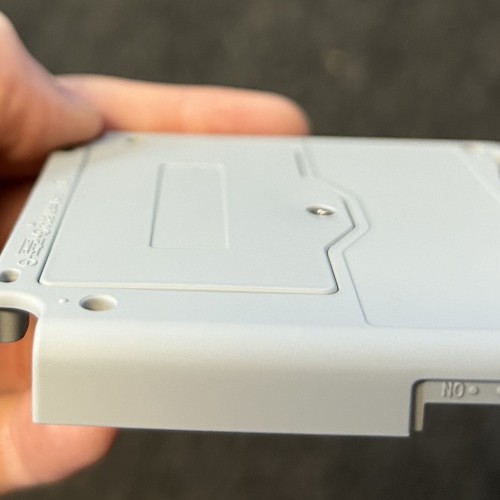
Game Boy Advance GBA SP Power
Game Boy Advance SP 850mAh Li-Ion Rechargeable Battery Replacement
Original price was: $9.99.$2.50Current price is: $2.50.
Sale!
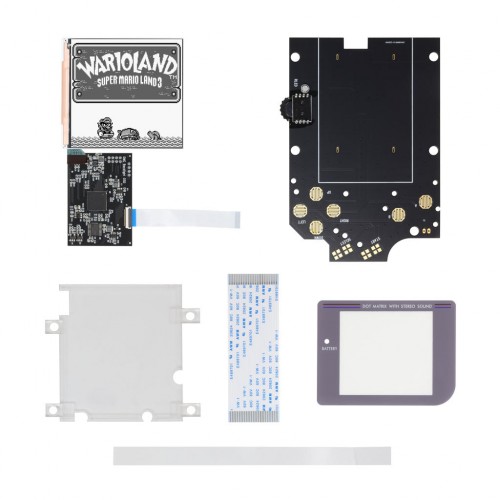
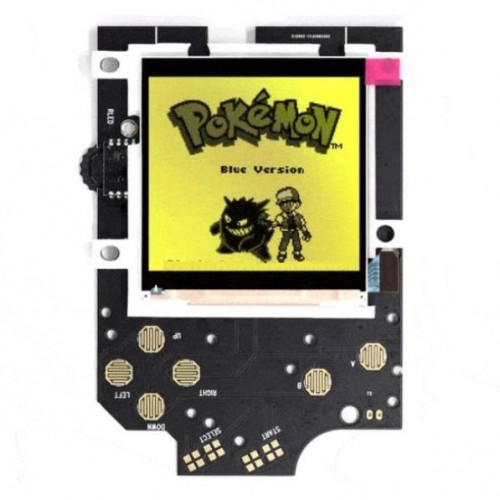
Game Boy | DMG | Original
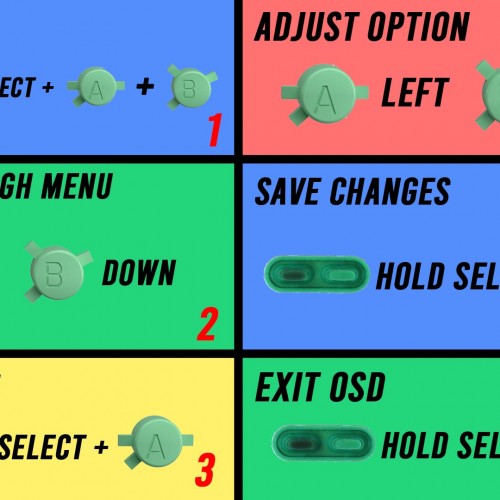
Game Boy DMG V4 Q5 IPS LCD Backlight Kit with OSD – Hispeedido
Original price was: $64.99.$16.00Current price is: $16.00.
Sale!
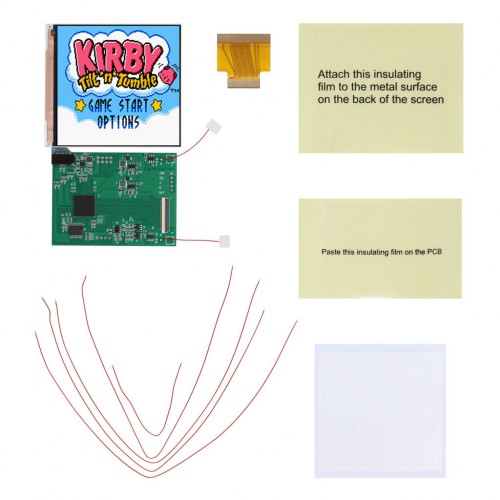
Game Boy Color GBC Displays
Game Boy Color Q5 IPS LCD Backlight Kit with OSD – Hispeedido
Original price was: $59.99.$15.00Current price is: $15.00.
Sale!
Game Boy | DMG | Original
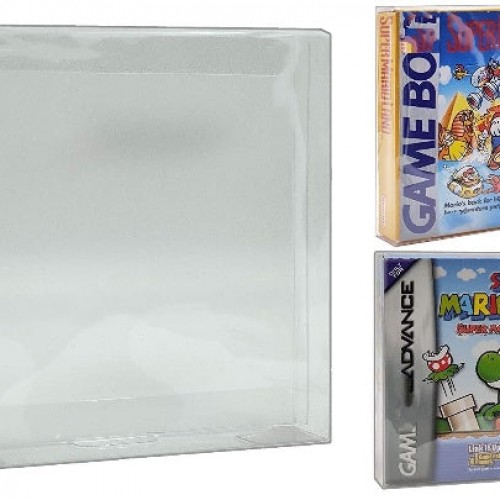
Game boy DMG and Game Boy Advance Game Box Protector – Clearance
Original price was: $1.99.$0.50Current price is: $0.50.
Sale!
Game Boy Pocket MGB Displays
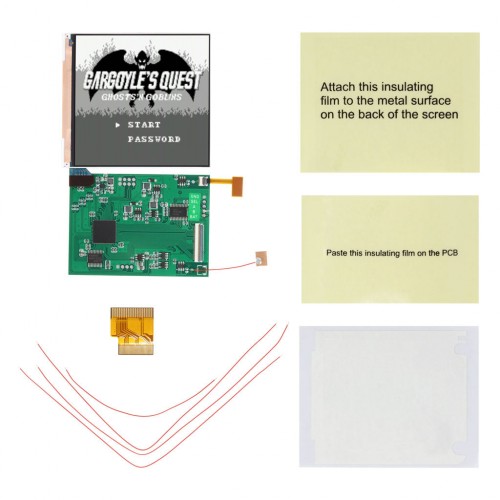
Game Boy Pocket Q5 IPS LCD Backlight Kit with OSD – Hispeedido
Original price was: $58.99.$14.50Current price is: $14.50.
Sale!
Game Boy Color GBC Displays
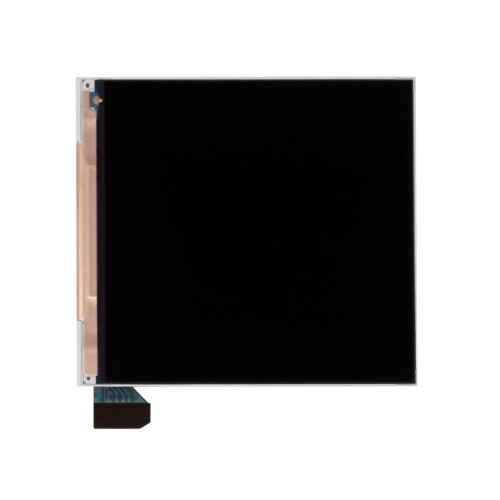
Original price was: $24.99.$6.00Current price is: $6.00.
Sale!
Game Boy | DMG | Original
Rechargeable 3000mah Battery Type-C for Game Boy DMG – HISPEEDIDO
Original price was: $37.99.$9.50Current price is: $9.50.
Sale!

Game Boy Color GBC Displays
Original price was: $3.99.$1.00Current price is: $1.00.
Reviews
There are no reviews yet.