No products in the cart.
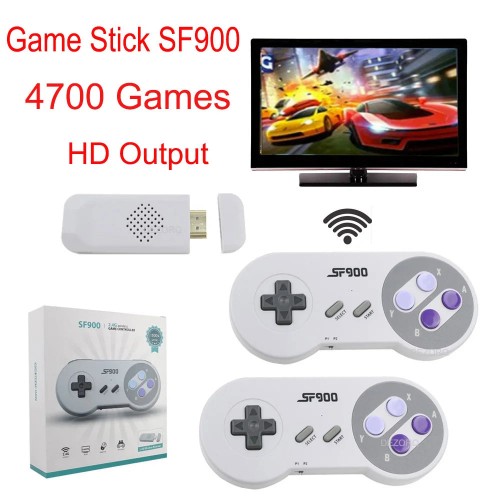
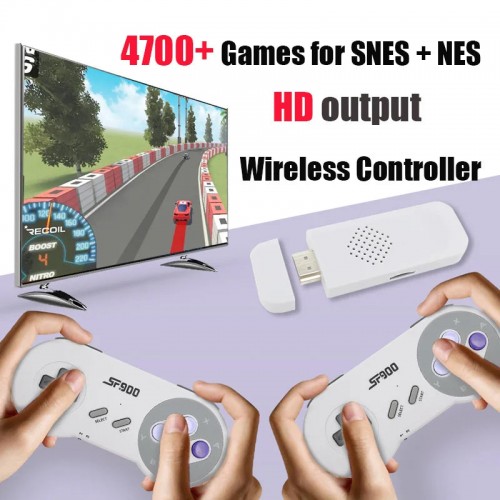
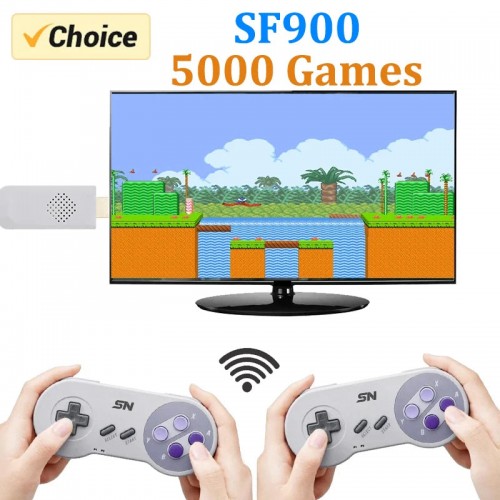
SF900 Retro 16-Bit Game Stick Console – 1500+/4700+ Built-In Games with Wireless Controllers
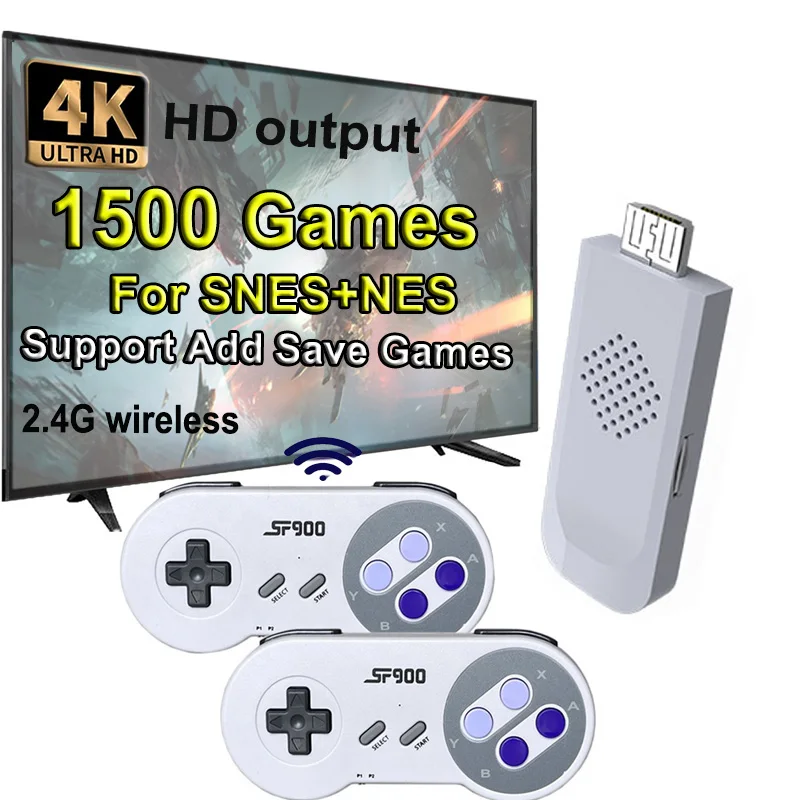
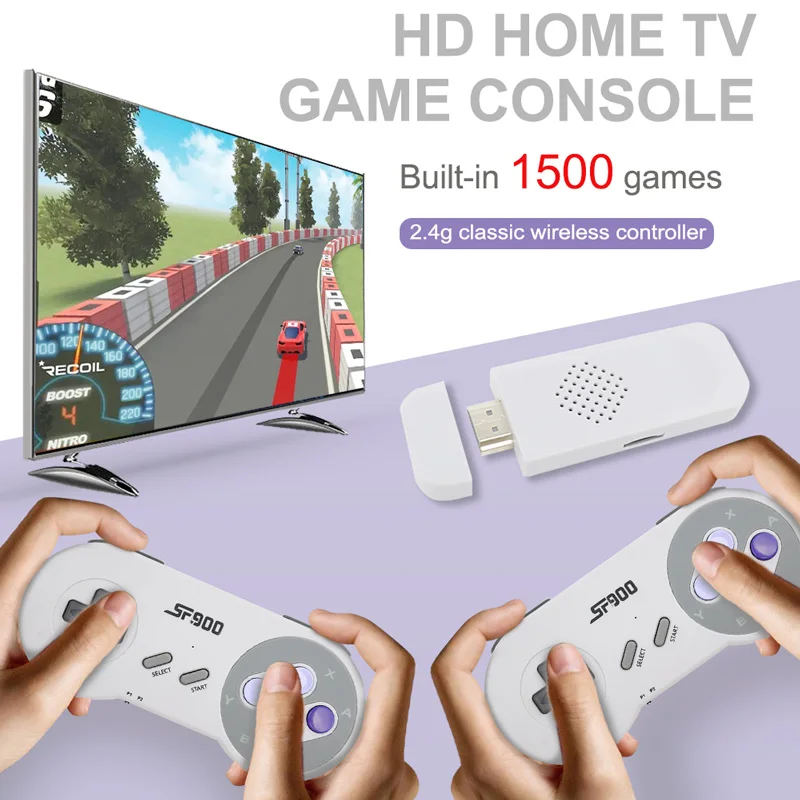
Relive the golden age of gaming with the SF900 Retro 16-Bit Game Stick Console, designed for fans of classic SNES and NES titles. With 1,500+ or 4,700+ built-in games, wireless controllers, and HDMI output, this plug-and-play system is perfect for families, collectors, and anyone who wants to enjoy nostalgic fun on modern TVs.
Plug & Play Retro Gaming
Setup takes only minutes—just connect the game stick to your TV’s HDMI port, power it using the included USB cable, and start playing. With instant access to hundreds of retro classics, you can enjoy timeless favorites right from your living room.
Key Features & Benefits
-
Massive Built-In Game Library – Choose from 1,500+ or 4,700+ preloaded games across SNES, NES, and more.
-
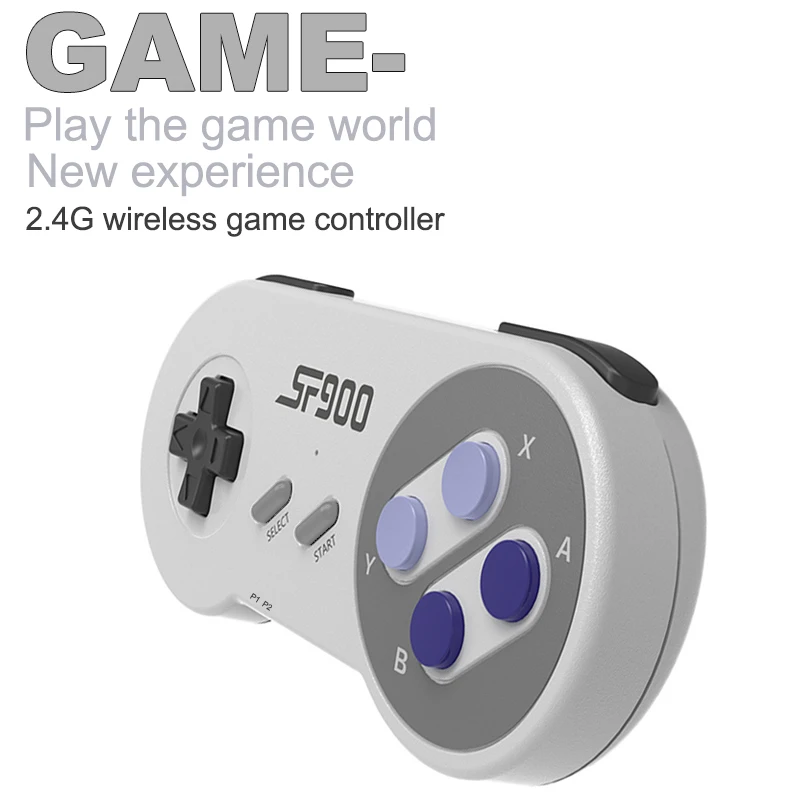
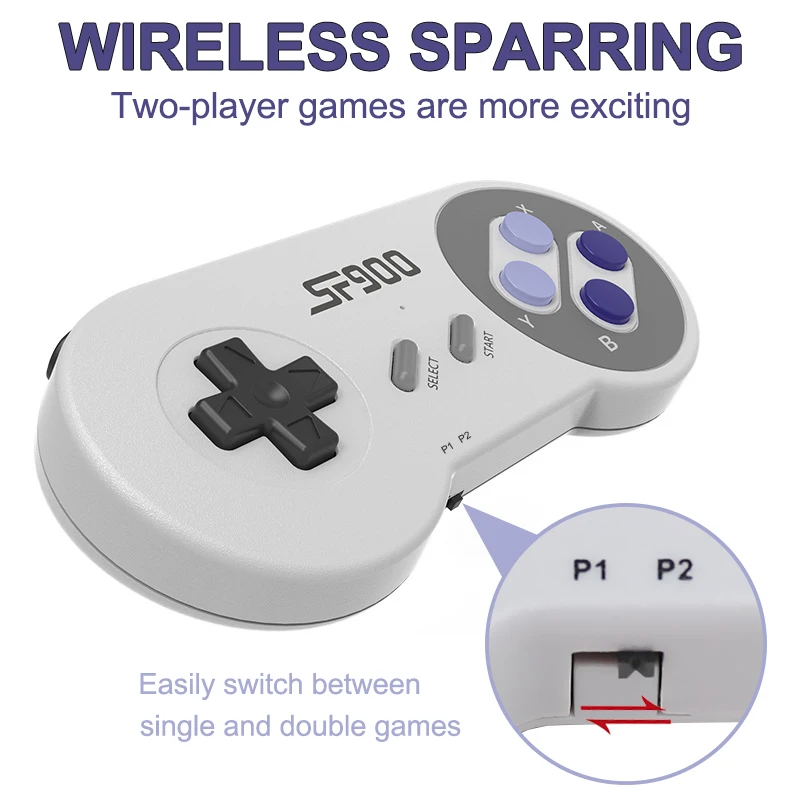
Wireless Freedom – Includes two 2.4G wireless controllers for smooth multiplayer action (AAA batteries required, not included).
-
HDMI-Compatible Output – Enjoy sharp visuals and stable performance on modern HDTVs.
-
Save & Add Games – Supports saving your game progress and adding more games via TF card.
-
Family-Friendly Entertainment – Perfect for parties, family nights, or solo gaming sessions.
-
Lightweight & Compact – Easy to carry and connect anywhere, making it ideal for travel or gatherings.

Classic Retro Gaming Reimagined
The SF900 Game Stick combines the charm of 1980s and 1990s gaming with today’s convenience. From action and sports to puzzles and adventure, the wide variety of included titles ensures fun for players of all ages.
What’s in the Box?
-
1x SF900 Retro Game Stick (16-Bit Console)
-
2x 2.4G Wireless Controllers
-
1x USB Power Cable
-
1x User Manual
Bring Back the Classics
Turn your TV into a retro arcade and share the joy of gaming’s golden era with family and friends. The SF900 Retro 16-Bit Game Stick Console is the perfect blend of nostalgia, fun, and convenience.

How to install more games ?
Firstly ,you need to take out the SD card from Game stick, put sd card to card reader and plug it to computer . And then ,open the corresponding disk ,that you will see the file of each games series . Then put the games you download to “ROM” File.


Be the first to review “SF900 Retro Consola 16 Bit Game Stick 4700 Games HD Video Game Consoles for NES/SNES Wireless Controller 4700 games with box”
Related products
Sale!
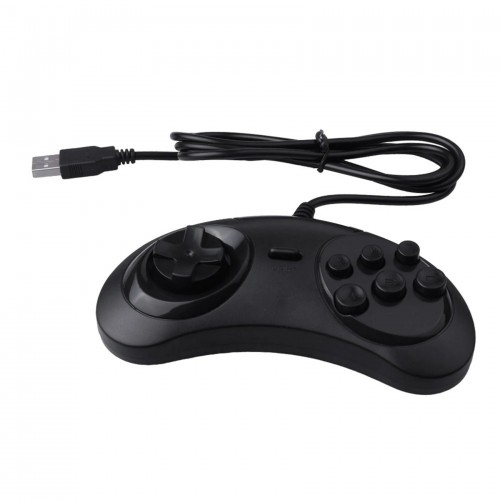
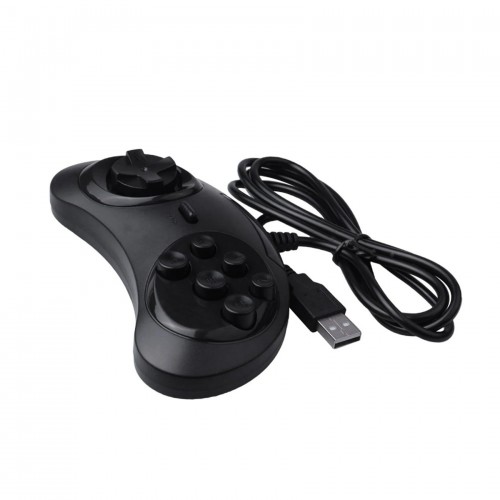
Original price was: $18.76.$4.50Current price is: $4.50.
Sale!
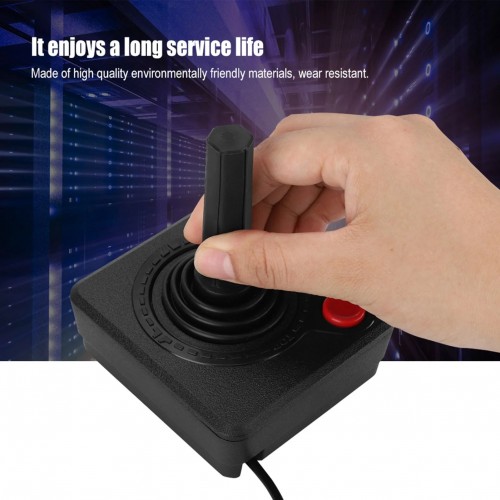
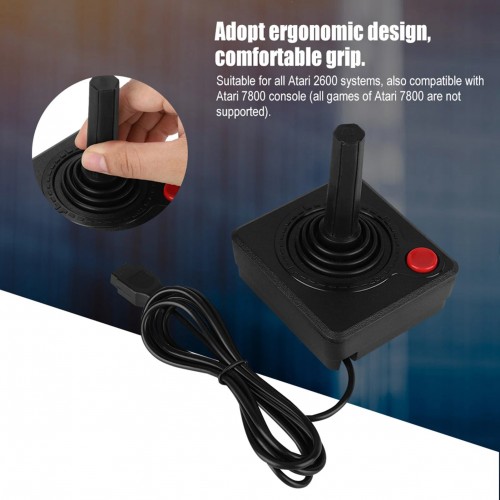
Original price was: $17.63.$4.50Current price is: $4.50.
Sale!

Original price was: $76.70.$19.00Current price is: $19.00.
Sale!

Original price was: $9.08.$2.50Current price is: $2.50.
Sale!

Original price was: $11.57.$3.00Current price is: $3.00.
Sale!
Original price was: $17.33.$4.50Current price is: $4.50.
Sale!
Original price was: $114.66.$28.50Current price is: $28.50.
Sale!

Original price was: $25.16.$6.50Current price is: $6.50.
Reviews
There are no reviews yet.